
Your Complete Guide to Medical Alert Systems
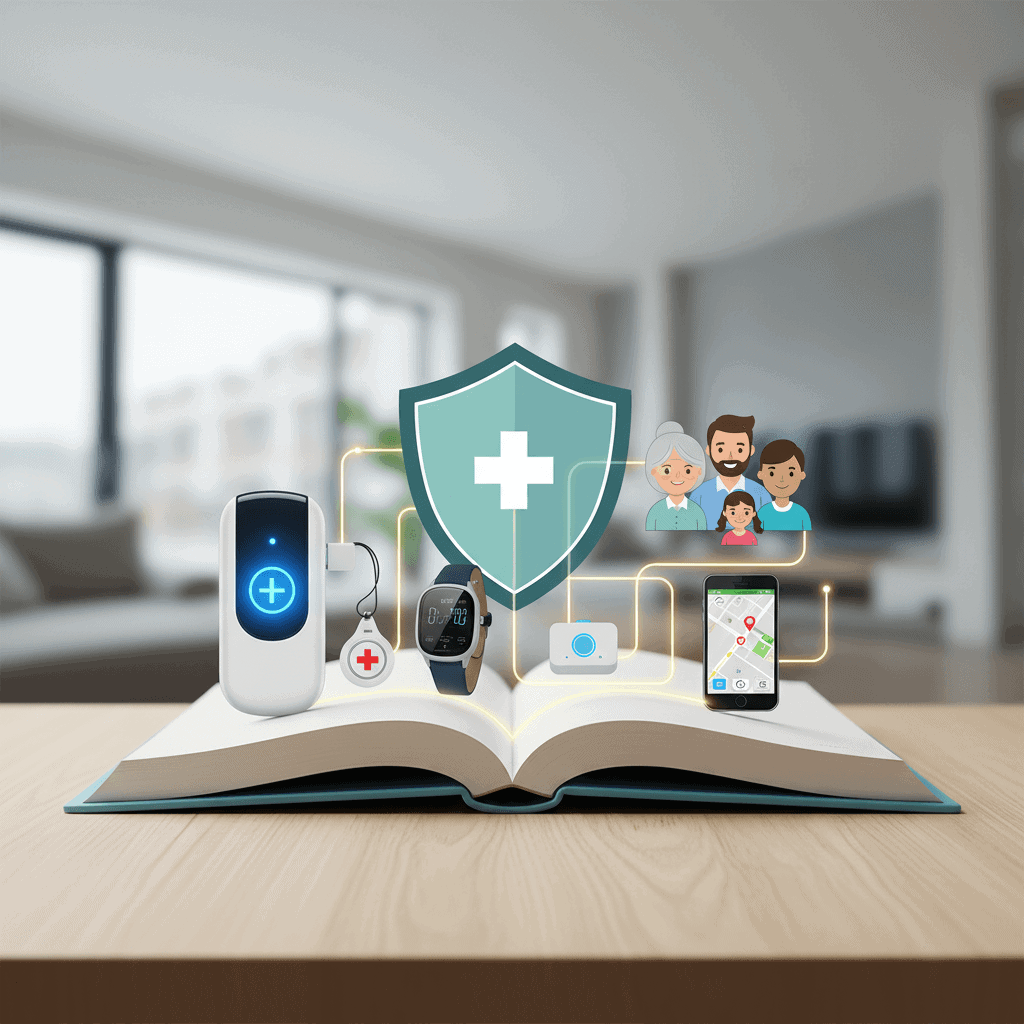
Choosing the right personal emergency alert device can feel overwhelming when faced with so many brands and feature lists. This guide breaks down what matters most so you can pick a device that fits the daily life and risks of the person who will wear it. I will walk you through the main types of systems, critical features to look for, cost factors, and practical tips for testing and placement.
I write from experience comparing models and helping families match devices to needs. Read on for real examples, clear criteria, and a checklist you can use when shopping. If you want a deep comparison of specific models and buying tips that focus on the decision process, see this medical alert system guide for an extended reference.
How medical alert systems work and the main types
At the most basic level a system connects the wearer to a monitoring center or to a chosen contact when help is needed. Systems fall into a few categories that cover common living arrangements and mobility levels.
- Home base models with landline or cellular These include a base station and a wearable button. The base sends the alert to a monitoring team or a phone number. Landline models rely on a home phone. Cellular models use a mobile network and work when the landline is not available.
- Mobile units with GPS Worn as a pendant or wristband and built on a cellular connection. These are appropriate for people who leave the house frequently and want location tracking for faster response.
- Smartwatch style systems Multi purpose devices that include fall detection, two way talk, and activity tracking. Some require charging daily and pair with a phone for features.
- Standalone fall detection devices These focus on automatically sending an alert when a fall is detected. They can be added to other systems or used alone if fall risk is the primary concern.
Key features to compare when choosing a device
Feature lists on manufacturer websites can be long. Focus on what will affect real world performance and reliability.
- Range and coverage For home units check the distance from wearable to base station. A person who spends time in a garden, basement, or detached garage needs a unit with longer range or a cellular system.
- Battery life and charging Mobile devices often require daily charging. Home pendants can have multi year batteries. Match the battery plan to the wearer s routine and willingness to charge a device.
- Fall detection accuracy No system is perfect. Some models combine algorithms and multiple sensors to lower false alarms. If falls are common, favor systems with adjustable sensitivity settings and a proven track record.
- Two way communication Built in speaker and microphone on the base or wearable lets the user speak directly with a responder without going to a phone.
- Response options Some services call a monitoring center that speaks to the user and dispatches emergency services when needed. Others route alerts directly to family or to a set of emergency contacts.
- Water resistance Falls often happen in bathrooms. Look for devices rated for use in the shower or with clear guidance on when to remove them.
- Subscription terms Monthly or annual fees can include monitoring, cellular service, software updates, and replacement parts. Check for long contracts and cancellation policies.
How to match a system to daily life and risk profile
Not every user needs the same package. Think about mobility, living situation, and common activities when choosing.
- Mostly homebound and falls are the main risk A home base unit with a long range pendant and reliable fall detection may be the best value.
- Active and leaves home frequently A mobile GPS enabled device or smartwatch with cellular service will keep tracking when away from the house.
- Shared living or care setting Look for systems that allow multiple caregivers to be notified at once and that provide logs of events for review.
Costs to expect and how to avoid surprises
Upfront hardware price, monthly monitoring fees, and additional costs like activation and shipping add up. Here s how to estimate the total cost.
- Hardware A basic home base unit can be economical while advanced mobile units and smartwatches cost more upfront.
- Monitoring fees Monthly service often covers the monitoring team and cellular service. Compare similar tiers across vendors to spot hidden differences.
- Extra services Some plans include medication reminders, location reports, or wellness checks for an added fee. Decide if those extras provide real value.
- Contracts and refunds Read the terms for trial periods, warranty, and return policies. A 30 day trial can let you test the system in real conditions.
Installation, testing, and maintenance tips
Installation is usually simple but testing and upkeep matter more for long term reliability.
- Initial test Set up in front of the person who will wear it and perform a full call test to confirm two way talk and location reporting work as expected.
- Routine tests Schedule a monthly check of battery level, base connectivity, and pendant range. Mark a calendar reminder so tests are not missed.
- Replace batteries on schedule For rechargeable devices keep a charging routine. For long life batteries replace before expiration to avoid gaps.
- Keep contact list current Verify emergency contacts and their phone numbers regularly especially if caregivers change.
Privacy, monitoring center practices, and legal issues
Understanding how data is handled and what the monitoring team can do helps set realistic expectations.
Data handling and location tracking
Ask providers what location data they store and who can access it. Some systems log GPS for recent events and allow caregivers to view location history while others only transmit location during an alert.
Monitoring center protocols
Reputable services have written protocols for responding to alerts including attempts to reach the user, calling emergency contacts, and dispatching first responders. Request those protocols and call the center once to evaluate response time and demeanor.
Practical examples and real world decision scenarios
Seeing how different choices play out in everyday life can clarify the best option.
- Case 1 elder living alone with a small yard A cellular home base and a pendant with extended range fixed inside and a second wearable for the yard provides coverage where it is needed without daily charging.
- Case 2 active senior who drives to social events A compact mobile device with GPS and automatic fall detection offers location aware alerts and independence in the community.
- Case 3 memory impairment with frequent nighttime wandering Look for models with geofencing alerts and caregiver notifications so a caregiver is alerted when a preset boundary is crossed.
Questions to ask a vendor before you buy
Bring a short checklist to sales calls or prepare questions when shopping online. Clear answers here cut down on surprises.
- What is the total monthly cost including cellular service where applicable
- How does fall detection work and how do you handle false alerts
- What is the expected battery life and how are battery replacements handled
- Do you have a trial period and what is the return policy
- Can the account be managed by multiple caregivers and how are notifications shared
- Is there a written protocol for monitoring center response and can you provide a sample
Choosing the right device is a balance between coverage needs and lifestyle fit. Some families prioritize features like GPS for active loved ones while others need a durable pendant with long battery life for at home use. Perform a site check in the primary residence to identify dead zones and discuss daily routines to align device selection with real need.
Conclusion
Medical alert systems can be a vital layer of safety for older adults and people with medical vulnerability. The best choice depends on living situation, typical activity patterns, and the level of backup available from family or paid caregivers. Start by listing the ways the person spends their time and the most likely emergencies you want the device to handle. Then compare range, battery life, fall detection, communication method, and the terms of monitoring service. Test any device thoroughly during the trial period and set up a regular maintenance schedule so the system stays ready. If you would like more detailed comparisons and a step by step buying checklist to bring with you to stores and calls, take a look at the linked resource above. Acting now can reduce the time it would take to get help in an emergency and make daily life safer for the person you care about. Contact a few providers, run a test call, and pick the plan that fits the real world routine of the wearer.


